 ClickerProduce adipose tissue, evolve the creature through 50 stages and reach 1 quintillion. Neurons speed things up but burn tissue: if it hits zero, the creature dies.
 by Jogato
 Jogato
Made by JogatoSimulationStrategyHTML
Lay out roads, zone neighborhoods, connect power and water, and watch your city grow, with traffic, taxes and pollution.

City Builder
by Jogato
loading…
Controls: Pick a tool, then click or drag on the map. Inspect shows what is on each tile. Use Save to keep your city and Continue where I left off to come back.
Score: residents (higher is better). Your current score counts when you restart.
Loading…
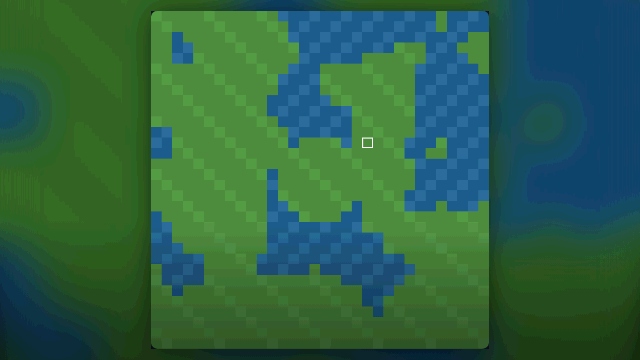
City Builder is a simulation and strategy game you play in the browser, where you build a city from scratch. On a 32 by 32 tile map with land and water, you lay out roads, set residential, commercial and industrial zones, connect power and water and watch the population grow.
The city responds to your choices. Each zone type has its own demand, buildings only grow with a road next to them and power coverage (and water, for homes), traffic can clog the streets and industry pollutes. Schools, parks, police stations and fire stations, unlocked as the population grows, raise residents' happiness.
Money comes from the taxes on each zone, which you set from 0% to 30%, and goes out on upkeep for roads and services. There is no end and no defeat: your score is the number of residents, and the city passes milestones that run from Campsite to Metropolis.
If you enjoy growing a realm at a relaxed pace, also see Realms and other simulation games.
The score is the number of residents in the city, which comes from the sum of the homes built. The game has no end, so grow as much as you can.
Yes. The Save and Continue where I left off buttons keep and resume the city, and the game also saves by itself when you pause and every 30 seconds. If a save already exists, the game only overwrites it after you press Save.
Buildings only grow with a road next to them, power coverage and, for homes, water coverage, and when there is demand for that zone. Use Inspect on a tile to check.
No. Each new city generates a 32 by 32 tile map with land and water in different places. The center of the map is always solid land.
More Jogato games if you like City Builder.
ClickerProduce adipose tissue, evolve the creature through 50 stages and reach 1 quintillion. Neurons speed things up but burn tissue: if it hits zero, the creature dies.by Jogato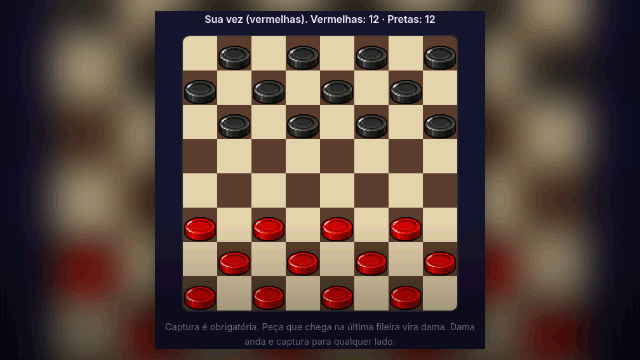 CheckersMandatory captures, multi-jumps and kings.by Jogato
 ChessFull chess with castling, en passant and checkmate, against the computer.by Jogato
 Property TycoonBuy streets, build houses and hotels, and bankrupt the robots.by Jogato
 Evolution ClickerClick the creature and watch it evolve through 10 stages. Keep Neurons, Tissue and Adipose tissue in sync: if any reserve hits zero, the creature dies.by Jogato
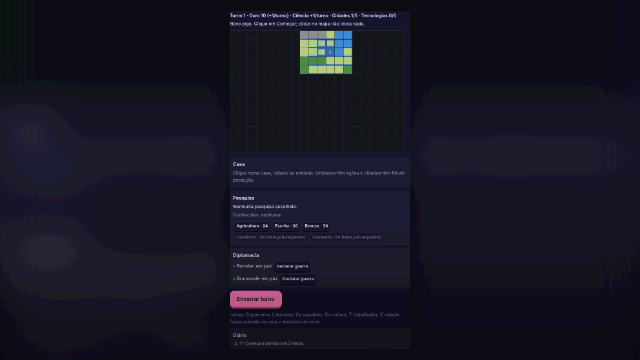 RealmsConquer realms turn by turn: found cities, research technologies and defeat the AI kingdoms.by Jogato